WiFidelity: Network Monitor
DATAFLY TECHNOLOGIES - FZE

3.9 stars1,135 reviews500,000+Free
ToolsEveryoneVersion 1.2.7.1Updated 4/10/2025, 9:22:25 PM
Open in StoreWiFidelity assists you in understanding the health of your WiFi and Cellular networks so that you can best protect your device privacy. This free and simple app is for users of any skill level!
Using WiFidelity can help you to:
* Review the fine details of your cellular network information
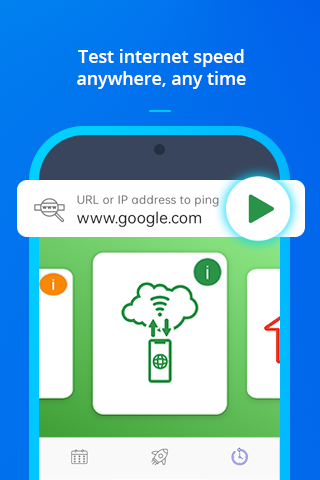
* Test a specific website to measure your connection speed and see if that site may be up or down. Helpful when using hotspot!
* Conduct speed tests and compare network performance results. Helpful when setting up a wireless router and monitoring daily network usage!
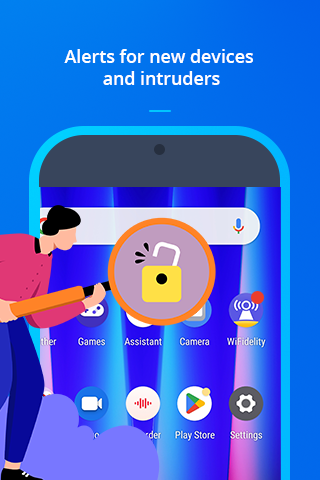
* Receive notifications of new device connections to alert you to any changes in your surroundings
* Create scan schedules and save history details
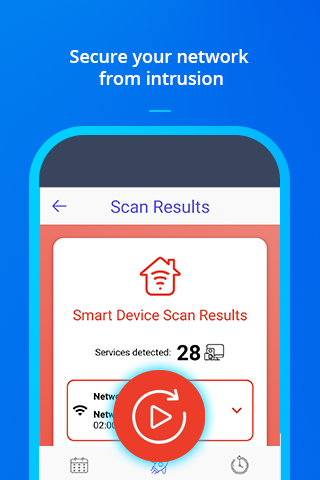
* Learn to analyse information like IP address, service types and devices connected to your current network
Featured tools include:
"Connection Test" - Easily test and track WiFi signal strength, frequency and connection speed to any IP address
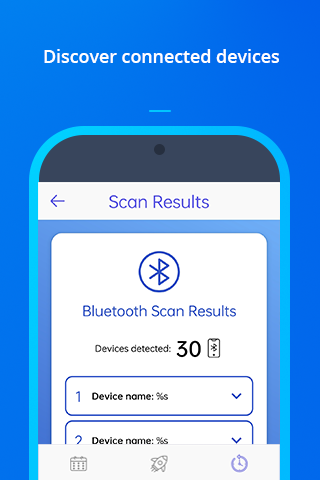
"Bluetooth Scan " - Detect nearby devices with Bluetooth services turned on
"mDNS" - Scan your local network to discover any unauthorized services running via mDNS (multiple domain name system)
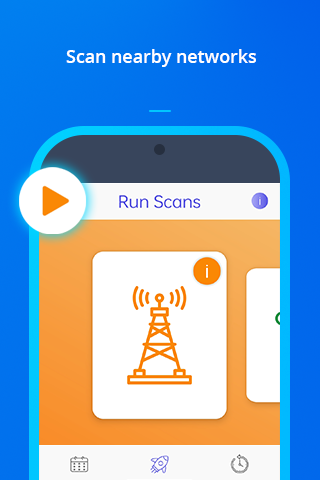
"Cell Tower Scan" - search for nearby towers to determine specific cellular signal strength and service support
Using WiFidelity can help you to:
* Review the fine details of your cellular network information
* Test a specific website to measure your connection speed and see if that site may be up or down. Helpful when using hotspot!
* Conduct speed tests and compare network performance results. Helpful when setting up a wireless router and monitoring daily network usage!
* Receive notifications of new device connections to alert you to any changes in your surroundings
* Create scan schedules and save history details
* Learn to analyse information like IP address, service types and devices connected to your current network
Featured tools include:
"Connection Test" - Easily test and track WiFi signal strength, frequency and connection speed to any IP address
"Bluetooth Scan " - Detect nearby devices with Bluetooth services turned on
"mDNS" - Scan your local network to discover any unauthorized services running via mDNS (multiple domain name system)
"Cell Tower Scan" - search for nearby towers to determine specific cellular signal strength and service support
Developer email
support@wifidelity.net
Developer website
https://www.wifidelity.net/Released
Dec 21, 2023
Current version
1.2.7.1
Android version
5.0
Reviews & Ratings
3.9
out of 5
5
4
3
2
1
⚠️ Users report mixed experiences
1,135 reviewsScreenshots