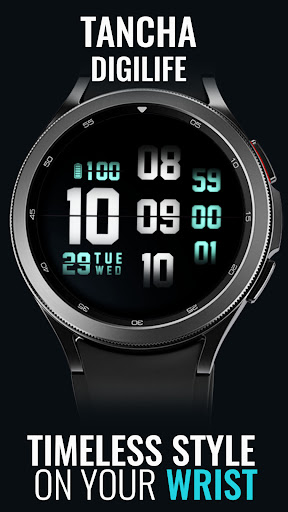
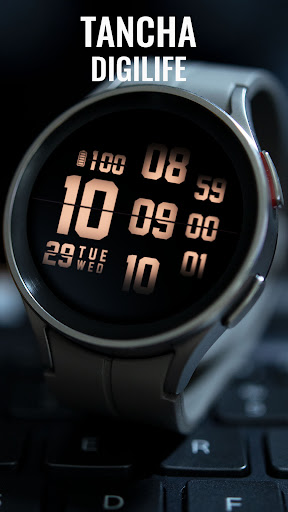
Tancha Digilife Watch Face
Tancha Watch Faces

Tancha Digilife Digital Watch Face
The perfect looks and easy-to-read Digital watch face.
This watch face is designed by Tancha Watch Faces for use on Wear OS devices.
FEATURES
Digital watch face
* Customizable colors.
* 12/24 hour time format.
* Days of the month.
* Dates of the week.
* Battery status.
* Always on view.
FAQ :
1- The watch face is installed on your watch but does not appear in the catalog?
FOLLOW THESE STEPS:
Press and hold your watch screen.
Swipe right until you see the text 'Add watch face.'
Press the '+ Add watch face' button.
Find and activate the watch face you installed.
2- If the companion app is installed but the watch face is not, follow the steps below:
FOLLOW THESE STEPS:
Open the companion app on your phone (ensure that your smartwatch is connected to your phone).
Next, tap the 'INSTALL WATCH FACE ON WATCH' button at the bottom of the app.
This will open the Play Store on your WEAR OS smartwatch, displaying the purchased watch face and allowing you to install it directly.
If you have any questions or requests, please don't hesitate to get in touch with me at tanchawatch@gmail.com.
Thank you sincerely for your support.
Best regards,
Tancha Watch Faces
Developer email
tanchawatch@gmail.com
Developer website
https://tanchawatch.comReleased
Sep 20, 2021
Current version
VARY
Android version
VARY
Screenshots