RemoteXY: Arduino control
EV CODE LABS, LLC

3.8 stars1,279 reviews100,000+Free
ToolsEveryoneVersion 4.18.03Updated 11/5/2025, 6:50:01 AM
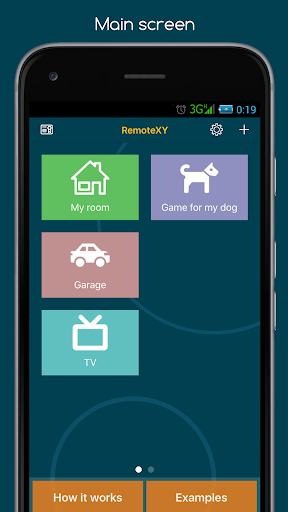
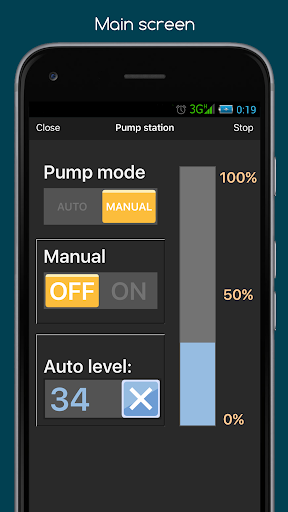
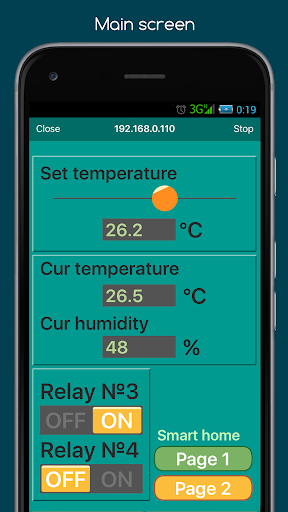
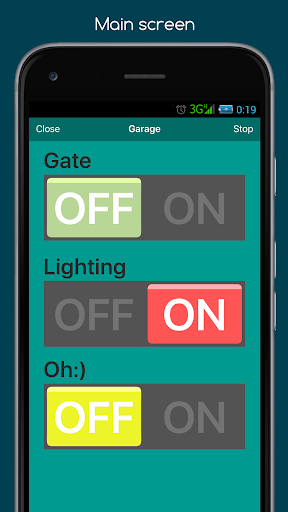
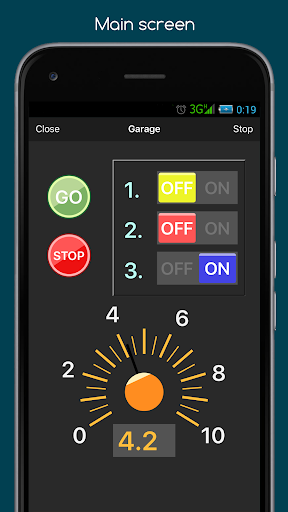
Open in StoreRemoteXY is a platform for creating and using graphical user interfaces (GUIs) for microcontroller devices.
If you want to connect to a device, install the app and follow the instructions from the device developer.
If you are a developer, use the RemoteXY platform to its full potential. Create custom user graphical interface (GUI) using the editor located at https://remotexy.com
The editor will automatically create a source code template for the Arduino IDE. The source code contains support for the selected communication method for the selected controller and includes a fully functional graphical interface. Integrate your task with the graphical interface, it's very easy following the detailed documentation and examples. Upload the source code to the board. Then use this application to connect to your board and control it using your graphical interface.
Develop graphical control interfaces for various devices, both for yourself and for your clients.
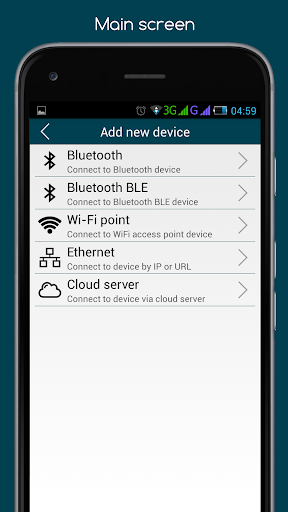
Supported connection methods:
- Internet anywhere over Cloud Server;
- WiFi client and access point;
- Bluetooth;
- Ethernet by IP or URL;
- USB OTG;
Supported boards:
- Arduino UNO, MEGA, Leonardo, Pro Mini, Nano, MICRO and compatible AVR boards;
- ESP8266 boards ;
- ESP32 boards;
- STM32F1 boards;
- nRF51822 boards.
Supported comunication modules:
- Bluetooth HC-05, HC-06 or compatible;
- Bluetooth BLE HM-10 or other UART BLE modules;
- ESP8266 as modem;
- Ethernet W5100, W5500;
Supported IDE:
- Arduino IDE;
- FLProg IDE;
- Visuino IDE
If you want to connect to a device, install the app and follow the instructions from the device developer.
If you are a developer, use the RemoteXY platform to its full potential. Create custom user graphical interface (GUI) using the editor located at https://remotexy.com
The editor will automatically create a source code template for the Arduino IDE. The source code contains support for the selected communication method for the selected controller and includes a fully functional graphical interface. Integrate your task with the graphical interface, it's very easy following the detailed documentation and examples. Upload the source code to the board. Then use this application to connect to your board and control it using your graphical interface.
Develop graphical control interfaces for various devices, both for yourself and for your clients.
Supported connection methods:
- Internet anywhere over Cloud Server;
- WiFi client and access point;
- Bluetooth;
- Ethernet by IP or URL;
- USB OTG;
Supported boards:
- Arduino UNO, MEGA, Leonardo, Pro Mini, Nano, MICRO and compatible AVR boards;
- ESP8266 boards ;
- ESP32 boards;
- STM32F1 boards;
- nRF51822 boards.
Supported comunication modules:
- Bluetooth HC-05, HC-06 or compatible;
- Bluetooth BLE HM-10 or other UART BLE modules;
- ESP8266 as modem;
- Ethernet W5100, W5500;
Supported IDE:
- Arduino IDE;
- FLProg IDE;
- Visuino IDE
Developer email
info@remotexy.com
Developer website
http://remotexy.com/Released
Jul 27, 2014
Current version
4.18.03
Android version
5.0
Reviews & Ratings
3.8
out of 5
5
4
3
2
1
⚠️ Users report mixed experiences
1,279 reviewsScreenshots