Prism: AI Quick Path Browser
James c. Ross

4.4 stars5,661 reviews1,000,000+Free
ToolsEveryoneVersion 1.0.13Updated 3/26/2026, 5:30:22 PM
Open in StorePrism is a user-centric browser equipped with integrated device tools and comprehensive web navigation features. It helps you explore the internet effortlessly while managing and viewing your device information, providing a reliable experience that meets your everyday browsing needs.
Key Features:
• Website Quick Links
We aggregate links to various AI platforms and popular trending websites. With one-click access, you can instantly reach your favorite sites without extra searching.
• Efficient Browsing with Real-Time News
Experience real-time news updates via a swipe-enabled interface, ensuring quick access to the latest information.
• User-Friendly Layout
The interface is streamlined with easy-to-use shortcuts, helping you locate essential tools without extra effort.
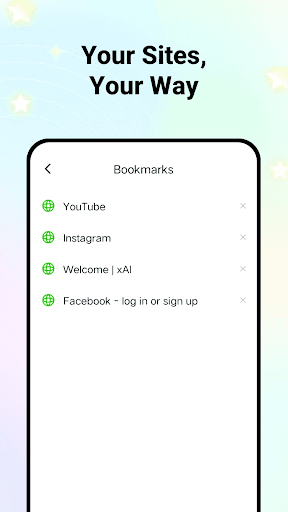
• Customizable Bookmark Management
Organize your frequently visited sites to build a personalized hub that fits your browsing habits.
• Privacy and Data Control
Manage your browsing data, such as history, cache, and cookies with ease to maintain a secure browsing environment.
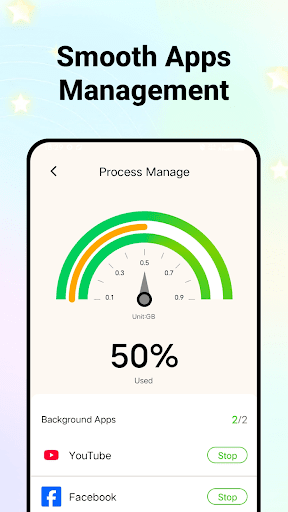
• Efficient Process Management
Monitor background activities on your device and selectively close non-essential processes.
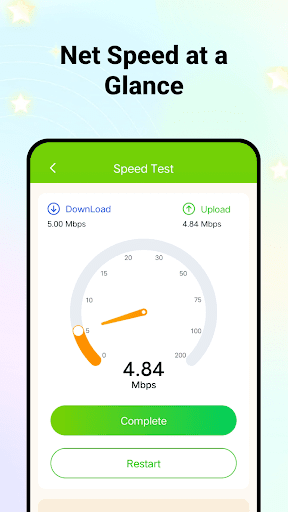
• Device Insights Anytime
Access detailed information about your device’s performance and battery status for better management.
Download Prism now to experience a secure, efficient browser designed for thoughtful, everyday connectivity.
Key Features:
• Website Quick Links
We aggregate links to various AI platforms and popular trending websites. With one-click access, you can instantly reach your favorite sites without extra searching.
• Efficient Browsing with Real-Time News
Experience real-time news updates via a swipe-enabled interface, ensuring quick access to the latest information.
• User-Friendly Layout
The interface is streamlined with easy-to-use shortcuts, helping you locate essential tools without extra effort.
• Customizable Bookmark Management
Organize your frequently visited sites to build a personalized hub that fits your browsing habits.
• Privacy and Data Control
Manage your browsing data, such as history, cache, and cookies with ease to maintain a secure browsing environment.
• Efficient Process Management
Monitor background activities on your device and selectively close non-essential processes.
• Device Insights Anytime
Access detailed information about your device’s performance and battery status for better management.
Download Prism now to experience a secure, efficient browser designed for thoughtful, everyday connectivity.
Developer email
dunkoffchallenge@gmail.com
Developer website
https://voyagerprivatebrowser.com/prismReleased
Apr 17, 2025
Current version
1.0.13
Android version
7.0
Reviews & Ratings
4.4
out of 5
5
4
3
2
1
😊 Highly rated by users
5,661 reviewsScreenshots