Pixilart - Make Pixel Art
Pixilart

4.3 stars10,288 reviews1,000,000+Free
Art & DesignTeenVersion 1.9.0Updated 3/31/2026, 10:54:13 PM
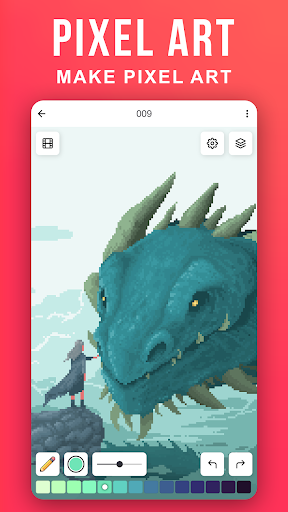
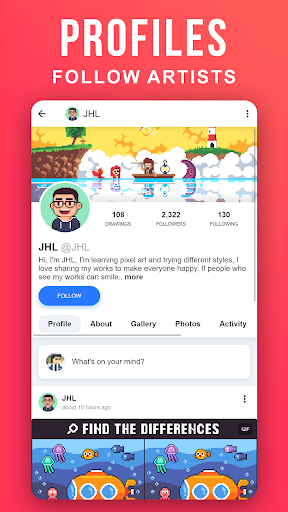
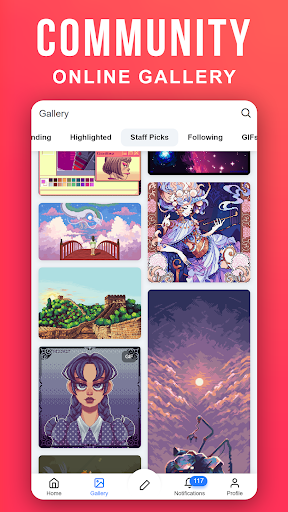
Open in StoreCreate pixel art on the go. Pixilart is a community of passionate art enthusiasts who enjoy pixels. Easily make pixel art, and then share your art and even follow others who have created their own pixel art creations.
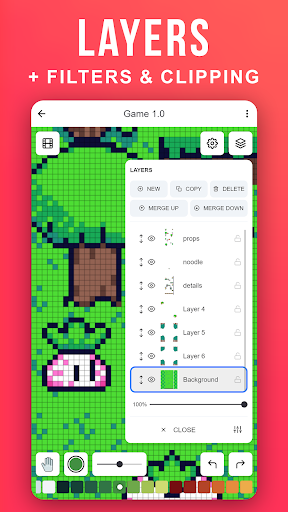
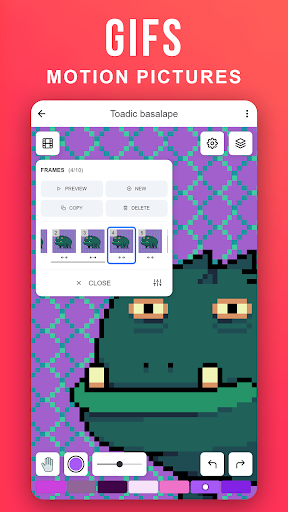
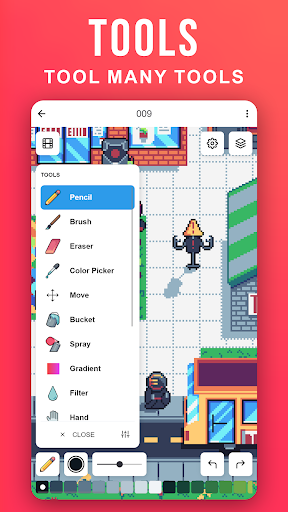
Become part of the largest pixel art community and understand why Pixilart is a growing community for feedback, sharing, art and more! It's fun and easy to create pixel art on the go with Pixilart. Simply move your finder across the screen to move the cursor and click on draw to lay pixels. Use blank canvases or choose from a variety of bases created by other users.
KEY FEATURES
• Create pixel art on the go with our easy-to-use drawing feature
• Create from bases or blank canvases
• Create profiles to upload drawings in the cloud for easier access on different devices
• Upload drawings in private, or in public so others can see
• Share drawings with others for feedback or simply to show off!
• Receive notifications from likes, comments, mentions, and new followers
• Follow your favorite artists on activity feeds
PARENT INFORMATION
Pixilart is a social platform for all ages. There is no private messaging system. All conversations are public. Swearing filters are enabled by default. Spam filters are enabled by default. Users can easily block/un-follow others. All drawings are monitored.
SUBSCRIPTIONS
There are no subscriptions
Become part of the largest pixel art community and understand why Pixilart is a growing community for feedback, sharing, art and more! It's fun and easy to create pixel art on the go with Pixilart. Simply move your finder across the screen to move the cursor and click on draw to lay pixels. Use blank canvases or choose from a variety of bases created by other users.
KEY FEATURES
• Create pixel art on the go with our easy-to-use drawing feature
• Create from bases or blank canvases
• Create profiles to upload drawings in the cloud for easier access on different devices
• Upload drawings in private, or in public so others can see
• Share drawings with others for feedback or simply to show off!
• Receive notifications from likes, comments, mentions, and new followers
• Follow your favorite artists on activity feeds
PARENT INFORMATION
Pixilart is a social platform for all ages. There is no private messaging system. All conversations are public. Swearing filters are enabled by default. Spam filters are enabled by default. Users can easily block/un-follow others. All drawings are monitored.
SUBSCRIPTIONS
There are no subscriptions
Developer email
support@pixilart.com
Developer website
https://www.pixilart.comReleased
Nov 5, 2018
Current version
1.9.0
Android version
10
Reviews & Ratings
4.3
out of 5
5
4
3
2
1
🙂 Mostly positive reviews
10,288 reviewsScreenshots