SuperDisplay: Virtual Monitor
Coffee & Work

4.6 stars20,308 reviews1,000,000+Free
ProductivityEveryoneVersion 1.2.25Updated 10/17/2025, 10:18:15 PM
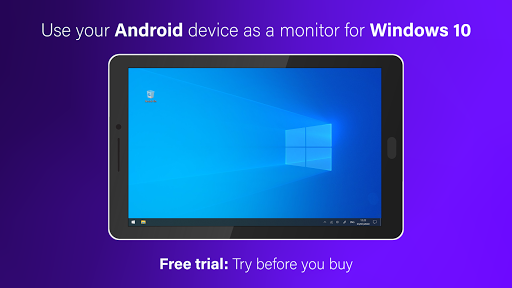
Open in StoreSuperDisplay turns your Android phone or tablet into a high-performance USB display with pressure support for Windows 10.
Here's how to get started:
① Download SuperDisplay from Google Play.
② Download the Windows driver from https://superdisplay.app
③ Connect your device to your PC via USB or Wi-Fi.
Second monitor
SuperDisplay turns your Android device into a portable USB display for your Windows 10 PC. Duplicate or extend your screen simply by plugging in your phone or tablet.
Superb performance
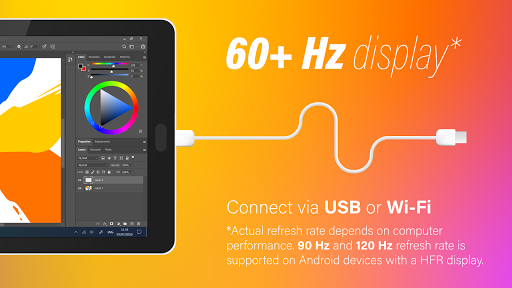
A laggy display is as good as no display. SuperDisplay was built with performance in mind, and we’re not afraid to show it. SuperDisplay works at 60 fps for the optimal drawing and mirroring experience. Try the app for free to see for yourself.
Pressure-sensitivity
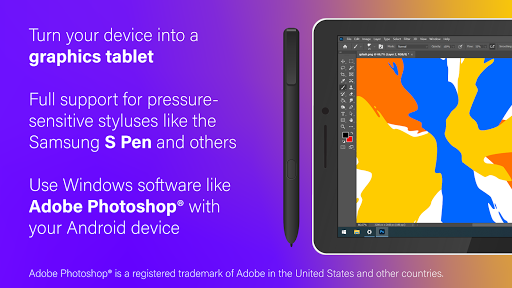
Turn your Android device into a graphics tablet and use apps like Adobe Photoshop® through it. SuperDisplay supports pressure-sensitive styluses like the Samsung S Pen making it ideal for digital art and other creative work.
Adobe Photoshop® is a registered trademark of Adobe in the United States and other countries.
Here's how to get started:
① Download SuperDisplay from Google Play.
② Download the Windows driver from https://superdisplay.app
③ Connect your device to your PC via USB or Wi-Fi.
Second monitor
SuperDisplay turns your Android device into a portable USB display for your Windows 10 PC. Duplicate or extend your screen simply by plugging in your phone or tablet.
Superb performance
A laggy display is as good as no display. SuperDisplay was built with performance in mind, and we’re not afraid to show it. SuperDisplay works at 60 fps for the optimal drawing and mirroring experience. Try the app for free to see for yourself.
Pressure-sensitivity
Turn your Android device into a graphics tablet and use apps like Adobe Photoshop® through it. SuperDisplay supports pressure-sensitive styluses like the Samsung S Pen making it ideal for digital art and other creative work.
Adobe Photoshop® is a registered trademark of Adobe in the United States and other countries.
Developer email
support@superdisplay.app
Developer website
https://superdisplay.appReleased
Jan 7, 2020
Current version
1.2.25
Android version
5.0
Reviews & Ratings
4.6
out of 5
5
4
3
2
1
😊 Highly rated by users
20,308 reviewsScreenshots