Word Search Scanner and Solver
Havnør

4.3 stars2,009 reviews100,000+Free
WordEveryoneVersion 1.0.78Updated 4/6/2026, 8:38:41 PM
Open in Store* Scan *
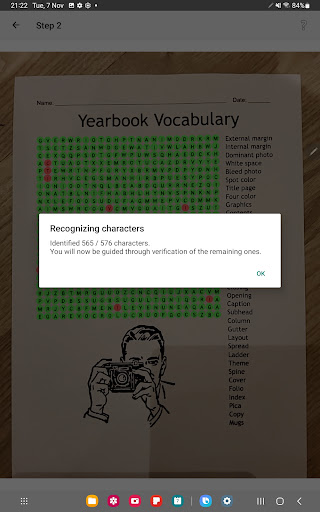
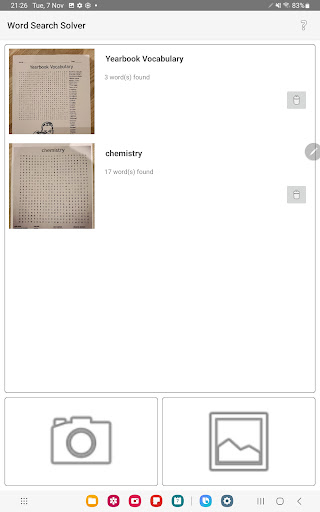
1) Capture a picture of your Word Search puzzle using the using the camera live preview or by importing a picture or screenshot image from your gallery.
2) Automatic character recognition (OCR) will attempt to interpret each character in the picture.
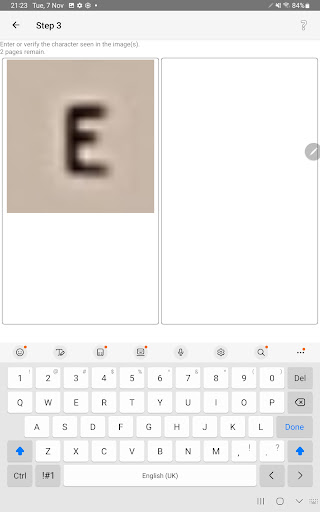
3) Manually correct and complete whatever OCR failed to detect.
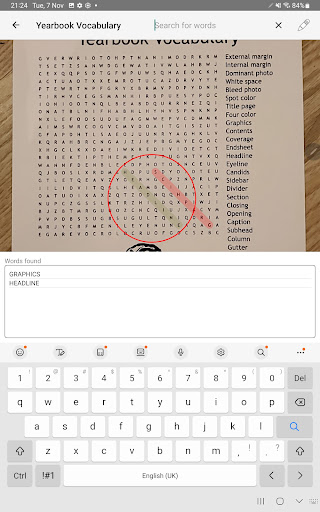
* Search *
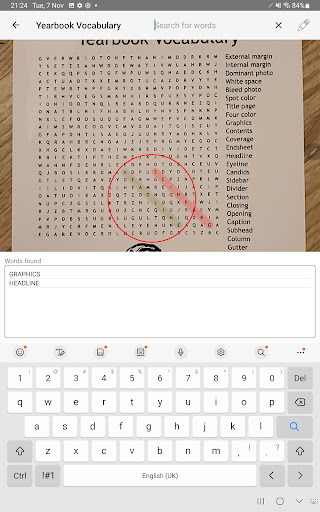
Once scanned, you can search for words in the Word Search.
The findings can be right or left, up or down and either of the diagonals.
1) Capture a picture of your Word Search puzzle using the using the camera live preview or by importing a picture or screenshot image from your gallery.
2) Automatic character recognition (OCR) will attempt to interpret each character in the picture.
3) Manually correct and complete whatever OCR failed to detect.
* Search *
Once scanned, you can search for words in the Word Search.
The findings can be right or left, up or down and either of the diagonals.
Developer email
post@wssolver.com
Developer website
https://wssolver.comReleased
Nov 22, 2023
Current version
1.0.78
Android version
9
Reviews & Ratings
4.3
out of 5
5
4
3
2
1
🙂 Mostly positive reviews
2,009 reviewsScreenshots