iMockGo – Edit GPS Location
Likeme Tech Studio

4.3 stars1,064 reviews100,000+Free
ToolsEveryoneVersion 1.1.2Updated 5/12/2026, 1:16:42 PM
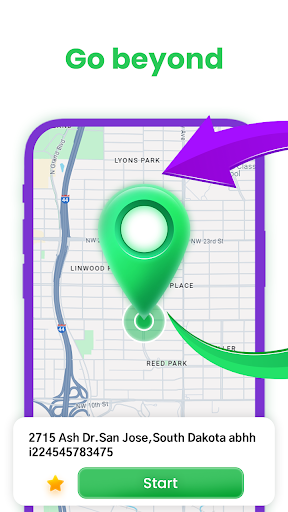
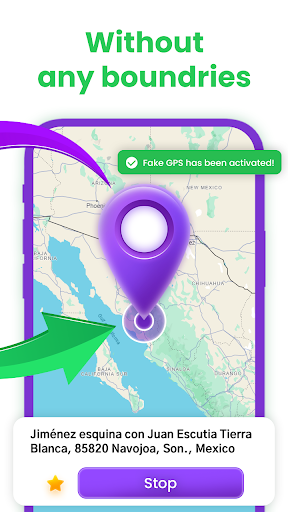
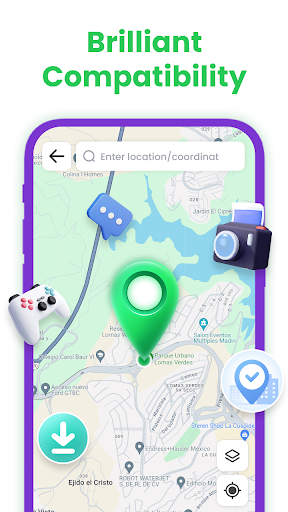
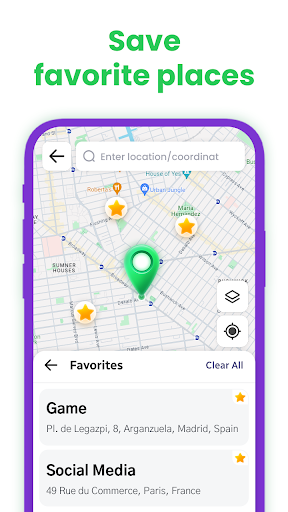
Open in StoreWhether you’re looking to change your GPS location to a new spot or simply want to hide your GPS signal, this app has got you covered. iMockGo - GPS location editor app is a pro tool that lets you take full control of your phone’s GPS signal. It’s got a stable connection, works smoothly with tons of apps, and is super easy to set up. When it comes to changing GPS location, iMockGo - GPS Editor is seriously awesome 🧙
What you can do with iMockGo:
Test your apps using the GPS location editor
Hide your location from being tracked
Change your GPS location without needing root access
Teleport your GPS location anywhere in the world with any app
How to give iMockGo - Mock Location Permission?
Step 1: Open Settings and tap on System
Step 2: Look for Developer Options
Step 3: Tap Select Mock Location App and pick iMockGo as your mock location app
Got feedback or ideas for iMockGo? Hit us up at EllisTom.creative@outlook.com
What you can do with iMockGo:
Test your apps using the GPS location editor
Hide your location from being tracked
Change your GPS location without needing root access
Teleport your GPS location anywhere in the world with any app
How to give iMockGo - Mock Location Permission?
Step 1: Open Settings and tap on System
Step 2: Look for Developer Options
Step 3: Tap Select Mock Location App and pick iMockGo as your mock location app
Got feedback or ideas for iMockGo? Hit us up at EllisTom.creative@outlook.com
Developer email
EllisTom.creative@outlook.com
Developer website
https://imockgo.tiksaver24.com/Released
Jan 24, 2024
Current version
1.1.2
Android version
5.0
Reviews & Ratings
4.3
out of 5
5
4
3
2
1
🙂 Mostly positive reviews
1,064 reviewsScreenshots