Cross Clip: Edit, Post, Grow
Logitech Europe S.A.

4.5 stars1,230 reviews100,000+Free
Video Players & EditorsEveryoneVersion 2.6.2Updated 9/19/2025, 8:41:23 PM
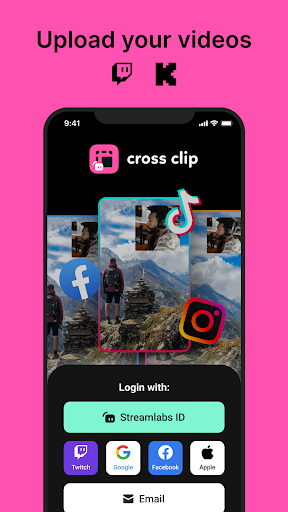
Open in StoreCreate clips directly from the app! Paste in a URL or upload a file, trim your video, select regions you want to highlight and share directly to socials.
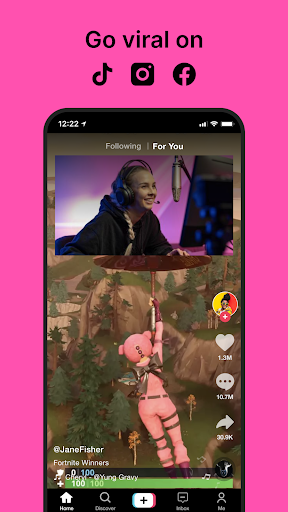
Cross Clip is the easiest way for live streamers to turn Twitch clips and other short videos into content for TikTok, Instagram, YouTube, and other platforms.
One of the most effective ways to grow your channel and gain viewers is to post content across multiple platforms, but layouts and orientations are fundamentally different when you’re live streaming. Cross Clip makes it easy to post your content across multiple platforms and gives your channel the best opportunity to reach more viewers and grow your audience.
GET CLIPS
Head to crossclip.streamlabs.com to get started. Either enter the URL of the Twitch clip you would like to use or upload the video file. Once imported, you’ll be taken to the editor.
EDIT
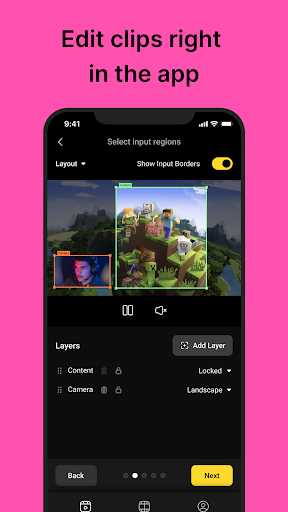
Select a preset layout or start from scratch. You can add and rearrange layers, clip your videos, and drag content boxes around the screen. When you’re finished, click compile.
OPTIMIZE
Once you are happy with your clip, select your desired frames per second (FPS) and output resolution (720 or 1080). You can remove the watermark and outro video.
DOWNLOAD
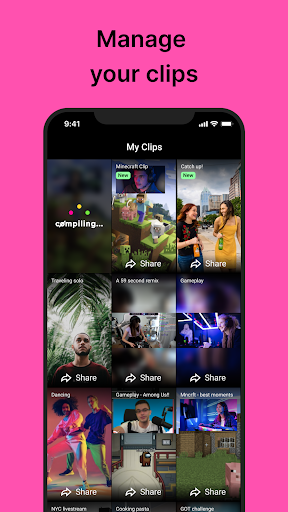
Once you’ve clicked compile, open this app and log in with Twitch to see all your clips in one place. Download, delete, or share your clips on different platforms. You will also receive an email notification when your clip has finished compiling.
SHARE
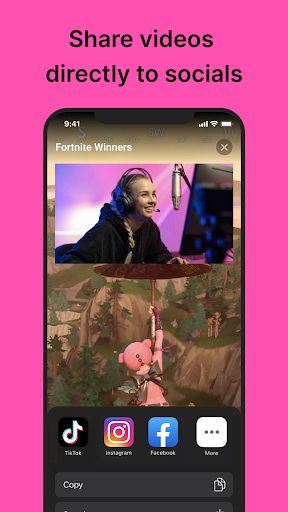
On each video, you’ll have the option to share directly to TikTok and other platforms when they’re available.
Happy clipping!
Privacy Policy: https://streamlabs.com/privacy
Terms of Service: https://streamlabs.com/terms
Cross Clip is the easiest way for live streamers to turn Twitch clips and other short videos into content for TikTok, Instagram, YouTube, and other platforms.
One of the most effective ways to grow your channel and gain viewers is to post content across multiple platforms, but layouts and orientations are fundamentally different when you’re live streaming. Cross Clip makes it easy to post your content across multiple platforms and gives your channel the best opportunity to reach more viewers and grow your audience.
GET CLIPS
Head to crossclip.streamlabs.com to get started. Either enter the URL of the Twitch clip you would like to use or upload the video file. Once imported, you’ll be taken to the editor.
EDIT
Select a preset layout or start from scratch. You can add and rearrange layers, clip your videos, and drag content boxes around the screen. When you’re finished, click compile.
OPTIMIZE
Once you are happy with your clip, select your desired frames per second (FPS) and output resolution (720 or 1080). You can remove the watermark and outro video.
DOWNLOAD
Once you’ve clicked compile, open this app and log in with Twitch to see all your clips in one place. Download, delete, or share your clips on different platforms. You will also receive an email notification when your clip has finished compiling.
SHARE
On each video, you’ll have the option to share directly to TikTok and other platforms when they’re available.
Happy clipping!
Privacy Policy: https://streamlabs.com/privacy
Terms of Service: https://streamlabs.com/terms
Developer email
hello@crossclip.com
Developer website
https://www.crossclip.comReleased
Jul 23, 2021
Current version
2.6.2
Android version
7.0
Reviews & Ratings
4.5
out of 5
5
4
3
2
1
😊 Highly rated by users
1,230 reviewsScreenshots