Canon Mini Print
Canon U.S.A., Inc.

4.7 stars24,112 reviews1,000,000+Free
PhotographyEveryoneVersion 3.8.3Updated 3/6/2026, 5:27:16 AM
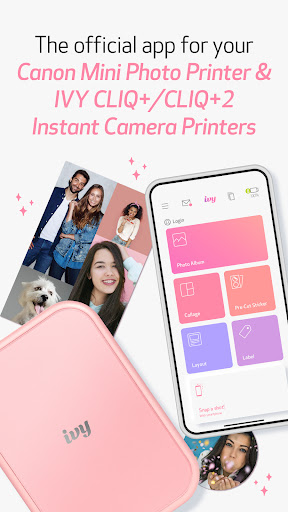
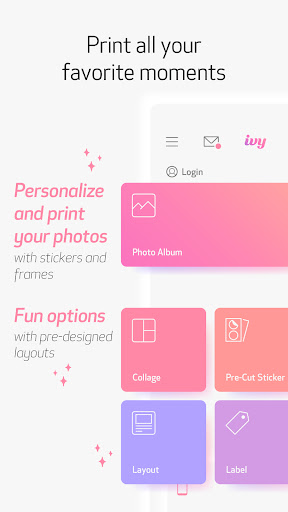
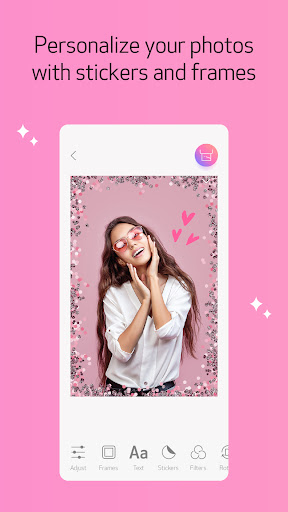
Open in StoreGet started using your Canon IVY Mini Photo Printer and IVY CLIQ+/CLIQ+2 Instant Camera Printers with the Canon Mini Print app. Personalize your photos with stickers, text, frames, filters, and more! Take photos to capture the moment, or access photos from your favorite social and cloud accounts to get creative with and share. When you’re ready, send your masterpiece to be printed and use the 2x3-inch sticker prints to dress up your room, notebook, locker, mirror, desk… well, almost anything!
Enjoy these fun features with the Canon Mini Print app. Simply connect to your printer via Bluetooth to get started!
STICKERS
-Add stickers to your photos to share, send and print
FRAMES & FILTERS
-Turn your image into different scenes with filters and frames
TEXT & DRAWING
-Add text and drawings, so you can say exactly what you want
TILE PRINT
-Print your big moments with tile print, and turn one image into multiple photo tiles to assemble
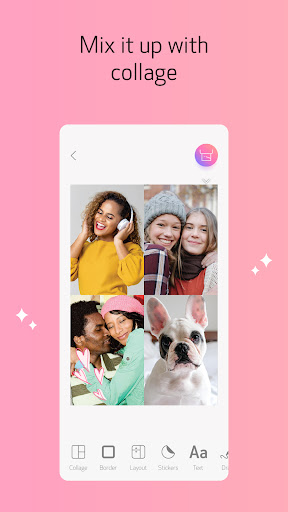
COLLAGE PRINT
-Mix and match multiple photos to capture your memories
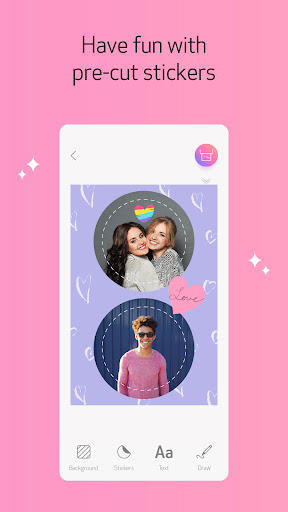
PRE-CUT LAYOUT PRINT
-Have fun printing on Canon pre-cut sticker paper
TAKE PHOTOS
-Get the perfect shot using Remote Live-view and Shutter
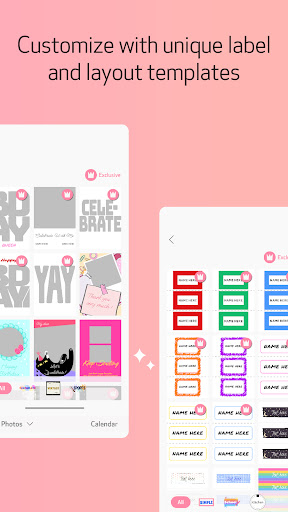
LAYOUTS & LABELS
-Choose from multiple Layout & Label options to make your creative projects easier and fun.
Enjoy these fun features with the Canon Mini Print app. Simply connect to your printer via Bluetooth to get started!
STICKERS
-Add stickers to your photos to share, send and print
FRAMES & FILTERS
-Turn your image into different scenes with filters and frames
TEXT & DRAWING
-Add text and drawings, so you can say exactly what you want
TILE PRINT
-Print your big moments with tile print, and turn one image into multiple photo tiles to assemble
COLLAGE PRINT
-Mix and match multiple photos to capture your memories
PRE-CUT LAYOUT PRINT
-Have fun printing on Canon pre-cut sticker paper
TAKE PHOTOS
-Get the perfect shot using Remote Live-view and Shutter
LAYOUTS & LABELS
-Choose from multiple Layout & Label options to make your creative projects easier and fun.
Developer email
canonminiprint@cusa.canon.com
Released
Apr 19, 2018
Current version
3.8.3
Android version
5.0
Reviews & Ratings
4.7
out of 5
5
4
3
2
1
🌟 Loved by users
24,112 reviewsScreenshots