Text & Photo Translator
Blazing App Studio

3.7 stars1,317 reviews100,000+Free
ToolsEveryoneVersion 2.17.17Updated 5/13/2026, 11:23:32 AM
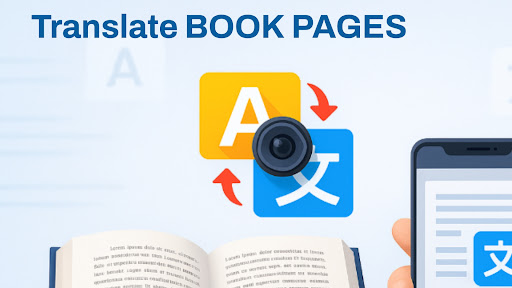
Open in StoreText & Photo Translator – Scan, Translate & Understand Instantly
Need to translate signs, menus, or any foreign text on the go? Text & Photo Translator makes it easy to translate printed text using your camera or typed text in seconds. Whether you’re traveling, studying, or reading, this app helps you break language barriers fast and accurately.
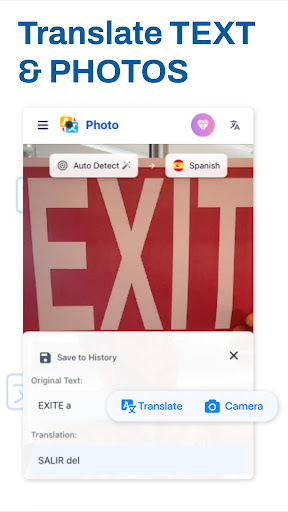
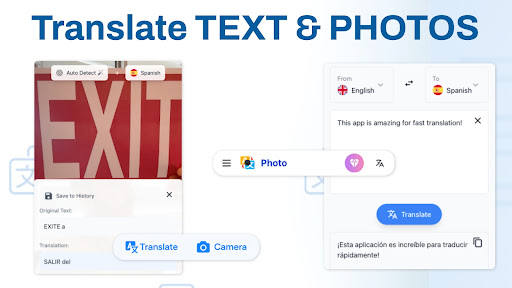
📸 Translate from Photos or Camera
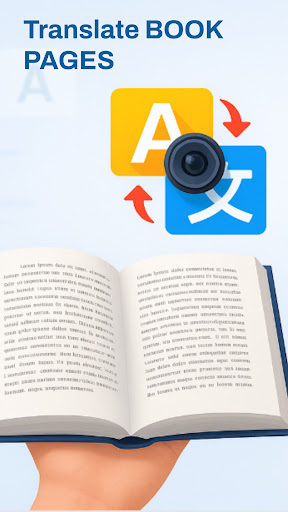
Simply take a picture of the text you want to translate — the app detects and translates it instantly. Great for menus, labels, signs, and documents in other languages.
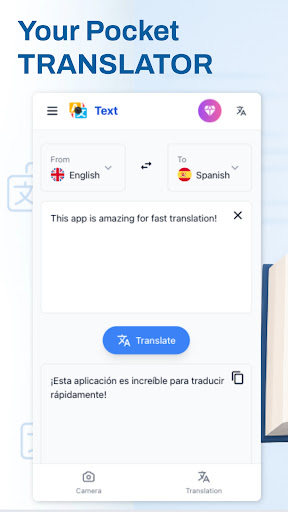
⌨️ Type and Translate Text
Easily enter text manually and get instant translations in your chosen language. Perfect for conversations, study help, or writing messages in another language.
🌐 Supports Dozens of Languages
Translate to and from major world languages including English, Spanish, French, German, Chinese, Arabic, Japanese, and many more.
🔍 Smart OCR Text Recognition
Advanced OCR (optical character recognition) makes photo translation fast and accurate — even from curved surfaces or low lighting.
📂 Save and Revisit Translations
Save important translations for offline access or future reference. Perfect for travelers and frequent users.
✨ Why Users Love Text & Photo Translator:
- Fast camera-based photo translations
- Instant text-to-text translation
- Clean and easy-to-use design
- Accurate OCR technology
- Supports multiple languages
- Great for travel, learning, and communication
📲 Whether you're exploring the world or learning a new language, Text & Photo Translator helps you understand more, faster — wherever you are.
Developer email
support@blazingappstudio.com
Developer website
https://blazingappstudio.com/photo_translatorReleased
Jun 22, 2025
Current version
2.17.17
Android version
7.0
Reviews & Ratings
3.7
out of 5
5
4
3
2
1
⚠️ Users report mixed experiences
1,317 reviewsScreenshots